 AthletesYour page: badges, trainings, races

First steps at ŠD Gorje.
For parents of new children: 4 steps, about 10 minutes. After that you find the timetable, your group's notices, race sign-ups and results in one place.
-
Log in to My family.
Open sd-gorje.si/en/moja-druzina or scan the code below.
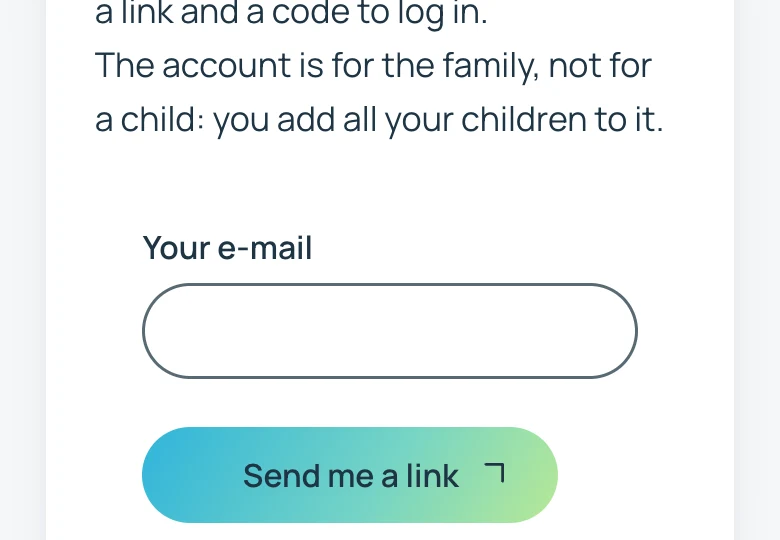
Type your e-mail address and press «Send me a link». In the e-mail, click the link or type the 6-digit code. You don't need a password.
No e-mail? Look in your spam folder.
-
Add your child.
Press «Add a child». Type the name and surname, year of birth, section and group, then press «Save».
Don't know the group? Choose «Not sure yet», the coach confirms it. More children go into the same account.

-
Fill in the consent.
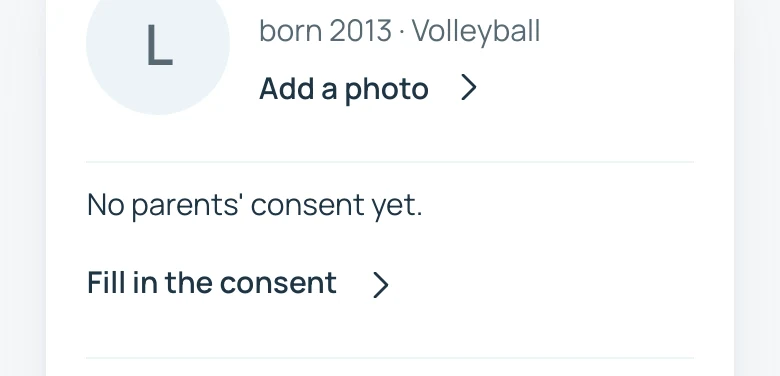
At your child, press «Fill in the consent». You choose what the club may do: photos on the site, the name in results, the introduction on the page Our athletes, the club's e-mails.
Then an e-mail comes: you confirm the consent with its link. Only then it counts.
Is your child 15 or older? They give the consent themselves, with their own e-mail address.
-
Turn on notifications on your phone.
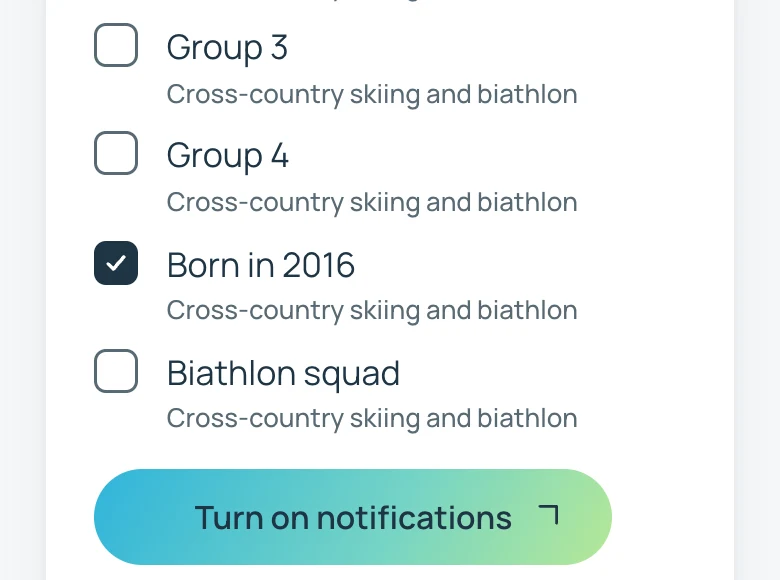
In My family, open «Notifications on your phone», choose your child's group and press «Turn on notifications». When the phone asks, press «Allow».
iPhone: first add the icon to your home screen (steps at sd-gorje.si/en/namesti), then open the site from the icon.
Start on your phone.
Point your phone's camera at the code: My family opens.
sd-gorje.si/moja-druzina
What your child needs at training and what the club gives
A question? Ask the coach or write to info@sd-gorje.si. What we keep: sd-gorje.si/en/zasebnost